Translate Everything.
Understand Everyone.
Instant, professional PDF translation for a connected world. Preserve formatting across 100+ languages with a single click.
Global Translation in 3 Steps
Simple, fast, and secure. We handle the complexity of neural machine translation so you don't have to.
1. Upload File
Select any PDF document. Our system auto-detects language and formatting.
2. AI Processing
Neural networks translate text while preserving your layout and images.
3. Download
Get your translated document instantly. Ready to share with the world.
受信任並由以下保障 業界專家





Built for a Connected World
Why global teams trust DocDoc Translate
Global Language Support
Connect with the world by translating into 100+ languages with native-level accuracy.
Format Fidelity
Our AI preserves complex layouts, making your translated document look exactly like the original.
Instant Processing
Break barriers in seconds. Our neural engine processes documents at lightning speed.
Context Engine
From technical manuals to legal contracts, our AI understands the nuance of every sector.
Secure Transfer
Bank-level encryption ensures your data remains private and is deleted automatically.
Any Device
Translate on the go. Works seamlessly on desktop, tablet, and mobile browsers.
Ready to go Global?
Break down language barriers with the most accurate AI PDF translator. Fast, secure, and free to start.
Translate Now
 4.61,340 則評論
 4.513,920 則評論
 4.64,550 則評論
User Success Stories


FAQ
相關文章
探索更多提示、工具與指南,協助您更聰明地處理 PDF。

Sep 10, 2025 | 8,342 views
How to Convert PDFs to Word Documents - Complete Guide 2025
Learn the easiest methods to convert PDF files to editable Word documents. Discover professional techniques for handling large files, preserving formatting, and using OCR technology for scanned documents.
Sep 15, 2025 | 15,234 views
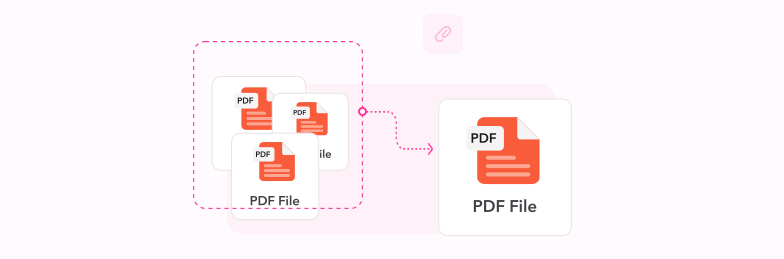
How to Combine Multiple Files into One PDF Document - Complete Guide
Learn how to merge multiple PDF files, documents, and images into a single organized PDF document. Discover professional techniques for combining files efficiently with perfect formatting and order.
Aug 15, 2025 | 14,526 views
OCR Text Recognition for PDFs: Transform Scanned Documents into Editable Files
Discover how OCR technology revolutionizes PDF document management by converting scanned images into searchable, editable text. Learn professional techniques, best practices, and optimization strategies for perfect text recognition.